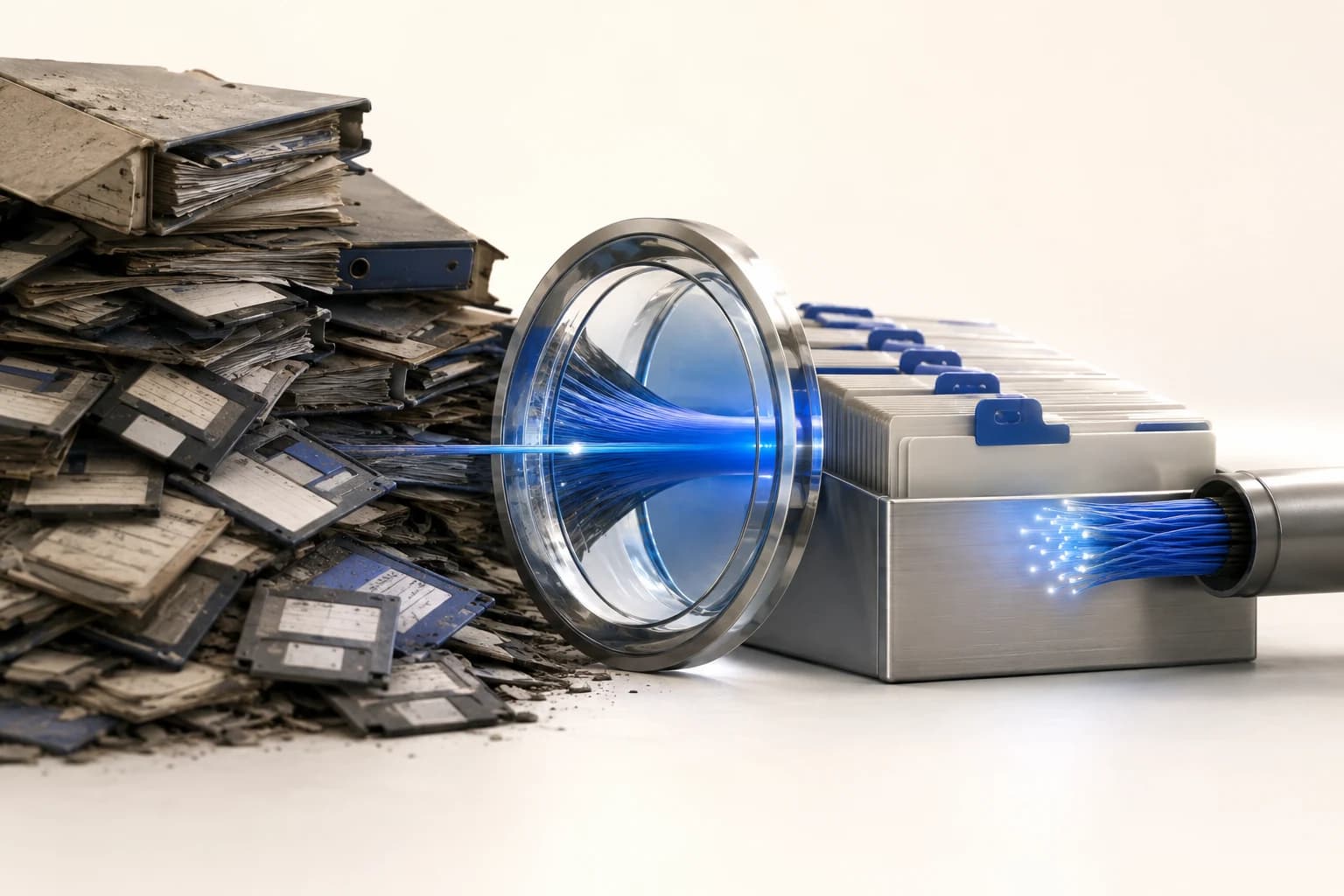
The Records Exist. Nobody Can Use Them.
Ask an operator whether they have acceptance records and the answer is usually yes. Ask them to produce the trace for a specific fiber on a specific route and watch what happens.
The files are on a drive somewhere, named Trace001.sor through Trace340.sor, in a folder named after the contractor. The engineer who knew the naming scheme has left.
This is the normal failure mode. Not missing data — unusable data. And it matters because, as covered in the OTDR lesson, comparing against a baseline is what turns an ambiguous number into a clear finding.
Name Files So a Stranger Can Find Them
The single highest-value habit. A file name should let someone locate a specific measurement without opening anything.
A workable pattern:
ROUTE_CABLE_FIBER_DIRECTION_WAVELENGTH_DATE
RT12_C04_F17_AtoB_1550_20260901.sor
The specifics matter less than the two rules behind them:
Use the same identifiers the drawings use. If the drawing calls it Cable 04, the file says C04. A parallel naming universe is the same as no naming.
Encode direction and wavelength. Bidirectional traces at two wavelengths mean four files per fiber. Without direction and wavelength in the name, they are indistinguishable.
Store the Native Format
Screenshots and PDF reports are for people. Native trace files are for the next engineer, because they can be reopened, re-marked, and compared against a new capture.
Keep the PDF too if the contract requires it. But if only one survives, it should be the trace file.
Record the Conditions, Not Just the Result
As covered in the acceptance lesson, a measurement without its settings cannot be compared later. At minimum:
- Instrument model and serial
- Pulse width, range, averaging time
- Refractive index setting
- Launch cable length and type
- Reference method for loss measurements
A future comparison that ignores these produces false conclusions in both directions — apparent degradation that is really a different pulse width, or apparent stability that is really a coarser measurement hiding a change.
Write Down What Is Not in the Data
The most valuable line in a fiber record is often prose.
- "Splice at 2.1 km redone twice; cleaver replaced afterwards."
- "Slack coil of 25 m stored at hand-hole HH-07, not shown on drawing."
- "Fiber 12 damaged during install, replaced end to end."
None of this appears in a trace file. All of it saves hours later. The slack note in particular is the difference between excavating in the right place and the wrong one, as covered in the route types lesson.
Keep It Where the Work Happens
A perfect archive nobody can reach during an outage is not an archive.
Accessible from the field, on a phone, at night. If retrieving a baseline trace requires a VPN, a desktop and an office, it will not happen during a fault.
One location, not four. Contractor drive, engineer laptop, email attachments and a shared folder is the normal state, and it means there is no authoritative version.
Survives handover. When the contract ends or the engineer leaves, the records stay with the operator in a readable form.
Version the As-builts
Plant changes. Every repair adds splices, and often moves closures. A drawing that reflects the original design and not the current state is actively misleading — worse than none, because it is trusted.
The workable habit is modest: every time a repair adds a splice, the splice schedule and the loss budget get updated. It takes minutes at the time and preserves the accuracy of every future diagnosis.
A Minimum That Actually Works
If a full document management system is not realistic, this much is:
- One folder per route, named as the drawings name it.
- Native trace files, named with route, cable, fiber, direction, wavelength, date.
- One spreadsheet per route: fiber, measured loss both wavelengths, splice count, remaining margin, date, technician.
- One text file per route for prose notes and every repair.
- All of it in one place the operator controls and can reach from a phone.
That is a couple of hours of setup and it outperforms most formal systems, because people actually use it.
Summary
- The common failure is unusable records, not missing ones.
- Name files with the drawings' own identifiers, plus direction and wavelength.
- Keep native trace files. Screenshots cannot be re-analysed.
- Record instrument settings, or future comparisons are meaningless.
- Prose notes — reworked splices, unplanned slack, replaced fibers — are often the most valuable content.
- Reachable from the field, single location, survives handover. Update after every repair.