
If you give ChatGPT a role, don't stop at a job title. Write three slots under it: what the role does, what it must not do, and what shape the answer takes. A bare "You are an expert" leaves nothing in the prompt to check the answer against. With three slots filled you can count things: whether a table appeared, how many items there are, whether something you banned slipped in.
This guide draws on one public Instagram post and OpenAI's prompt engineering guide, both checked on November 27, 2026. The prompts below were not run and compared in ChatGPT. They are structure examples. Instead I added practice problems with fixed answer keys, so you can run them yourself and grade the result.
Which post was the starting point?
The starting point was a public Instagram post by ai.trend.kr. Its idea is that instead of just saying "analyze this", you give ChatGPT a role. Its examples are a role that points out why your plan could fail instead of agreeing with you, a role that compares two options in a table, and a role that pulls today's to-dos out of a long text. The post ends by offering a set of ten questions by DM if you comment on it. When I checked, it had 152 likes and credited @chatgpt as its source.
I did not comment on the post and did not receive the ten-question set, so I never saw the original prompts. The post also says its editor tried the roles and got failure scenarios, a comparison table and a to-do list. That is the post's own claim and I did not re-check it. I took only the broad direction, "giving a role changes the answer", and rebuilt the rest: what has to be written inside a role, and three new scenarios about choosing a home, a team memo and shortening a notice.
What is missing when you only write a role name?
What is missing is what the role does, what it leaves out, and what form the answer takes. A role name sets a viewpoint and some tone, but two "organizer" roles can still differ on whether to give three lines or a table, or whether to include tasks that are already overdue.
OpenAI's prompt engineering guide suggests a layout for developer messages: Identity, Instructions, Examples and Context, in that order. For the Instructions part it says to spell out what the model should do and what it should never do. Context, which changes with every request, is usually best placed near the end. The guide also contrasts model types. GPT models benefit from more explicit instructions about how to accomplish a task, while reasoning models can work from high-level goals. That guide is written for API developers, so it does not promise the same behavior in the ChatGPT app. The structure still carries over to everyday prompts: keep the role, the do and don't rules, and your material in separate places.
How do you write a role prompt in three slots?
Put a one-line role name at the top, then three lines for what it does, what it must not do and what shape the answer takes, and attach your material last. The template below is built for this guide and was not run.
You are a [role name].
Do: [one or two actions]
Don't: [what must not appear, what must not be invented]
Output shape: [format, count, length]
[Material name]: [paste your material here]
Each slot works like this.
Scroll horizontally to view a wide table.
| Slot | What goes in | How to check it |
|---|---|---|
| Role name | A short job name, no decoration | Only check that the viewpoint fits the role |
| Do | One or two actions, written as verbs | Count whether every requested action is present |
| Don't | What to leave out, what not to invent | Look for the banned items in the answer |
| Output shape | A format you can count: a table, a checklist, a sentence limit | Count items and check the format |
| Material | Your text, numbers or lists | Compare the answer against the material for facts that were not in it |
The slot most often left empty is "Don't". What you want is easy to think of, but what you want left out only occurs to you after you see a first answer. If you put in just one line from the start, such as "Do not invent facts I did not give you", you already have something to check the answer against.
How do you write a comparison-table helper?
When you want two options compared on the same criteria, write the columns and the number of closing sentences into the output shape. The example below is a house-moving scenario. It is a structure example and was not run.
You are a decision helper who compares two options on the same criteria.
Do: Compare the two options in a table using 4 criteria, then give a one-line recommendation and the condition under which that recommendation would change.
Don't: Invent numbers I did not give you. Write "no information" for unknown cells.
Output shape: One table (columns: criterion, option A, option B) and two sentences.
Option A: 15 minutes by subway, rent 550,000 won, one-room
Option B: 40 minutes by bus, rent 420,000 won, two-room
What I care about: commute time and monthly cost
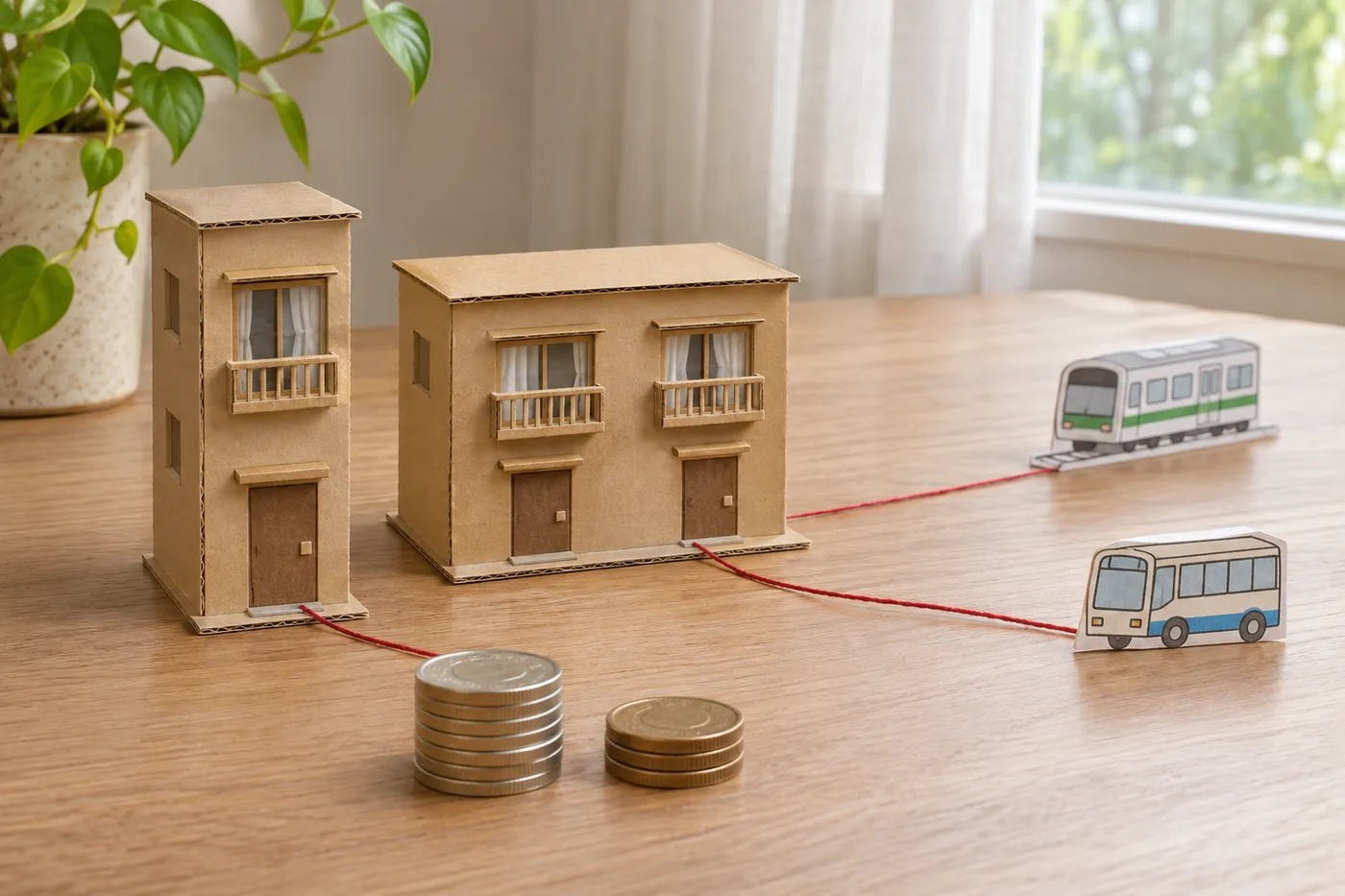 A cardboard model of a one-room building and a two-room building, each tied by a red string to a paper subway train and a paper bus at different distances, with two stacks of coins in front. An AI-generated example imageView original
When the answer comes back, first count the shape. Three columns, four criterion rows and two closing sentences means the output shape slot was followed. Then check the numbers. The rent difference is 550,000 minus 420,000, which is 130,000 won a month and 1,560,000 won over twelve months. The commute difference is 25 minutes each way, so 50 minutes a day and 250 minutes over a five-day week. If the table shows any other figure, ask where it came from. This example gives neither a maintenance fee nor a deposit, so if the table has such a criterion, the cell should say "no information". A filled-in number means the "Don't" slot was broken.
Read the recommendation as a hint only. A choice of home depends on many things the prompt never mentions, so the table is there to put the options side by side on equal terms, not to decide for you.
What do you ban when you only want today's tasks?
Ban tasks whose deadline is not today and plain announcements in the Don't slot, and give today's date yourself before the material. It is safer not to expect the model to know what day it is. The example below is a structure example and was not run.
You are an organizer who pulls only today's tasks out of a long text.
Today's date: Friday, November 27, 2026
Do: List only the tasks that must be finished today as a checklist. Add the time if there is one.
Don't: Do not include tasks due on another day, tasks with no deadline, or plain announcements.
Output shape: Lines in the form "- [ ] task (time)", and a last line "Excluded: N items" with the number you left out.
Text:
Team memo, Friday, November 27
- The final quote for the client must be emailed by 3 p.m. today.
- Please share the draft weekly report with the team lead before you leave today.
- Materials for next Tuesday's meeting can be prepared by Monday.
- We plan to check office supply stock once in early December.
- The reason for the rise in new customer inquiries last month is still being analyzed and has no set deadline.
- The air conditioner in the 3rd-floor meeting room is being serviced at lunchtime, so it cannot be used.
This memo is a made-up practice text with a fixed answer key.
Scroll horizontally to view a wide table.
| Memo line | A task for today? | Why |
|---|---|---|
| 1. Final quote | Yes | Due at 3 p.m. today |
| 2. Weekly report draft | Yes | Due before leaving today |
| 3. Tuesday meeting materials | No | Due next Monday |
| 4. Supply stock check | No | Planned for early December |
| 5. Inquiry analysis | No | No set deadline |
| 6. Air conditioner service | No | An announcement, not a task |
If the checklist has exactly two lines and the last line says "Excluded: 4 items", the answer passes. Three or more lines means the deadline filter came loose. See which line was added and make the Don't sentence more specific. If the air conditioner notice got in, add "Do not include notices that need no action". If the checklist has only one line, the model may not have read "before you leave" as a deadline, and you can add to the Do slot: "Include tasks that must be done today even when no clock time is given."
 A hand moving a few blank paper sheets onto a small tray, with the rest of the stack at the back and a desk clock nearby. An AI-generated example imageView original
What must a shortening editor protect?
When you shorten text, write how much to cut and what to keep in the same breath. If you set only a length, the date or the place can be the first thing to disappear. The example below is also a structure example and was not run.
You are an editor who shortens notices.
Do: Shorten the notice below to 3 sentences or fewer. Keep the date, time, place and deadline unchanged.
Don't: Do not add new information, and do not change the polite tone.
Output shape: One paragraph of at most 3 sentences. On the last line, write "Kept values:" followed by the date, time, place and deadline.
Notice:
The new-hire session will be held on Thursday, December 3, from 2 p.m. to 4 p.m. in the 3rd-floor meeting room. It is for people who joined after October, and the venue may change to the 4th-floor seminar room depending on circumstances. Please bring a laptop and your ID badge; lunch is not provided. If you cannot attend, please tell the person in charge by December 1.
The values to check are Thursday, December 3, 2 p.m. and 4 p.m., the 3rd-floor meeting room, and the December 1 deadline. If even one is missing or changed in the shortened paragraph, it fails. The condition "the venue may change to the 4th-floor seminar room" is the sentence most likely to vanish while shortening. If you need it kept, add "Keep any condition that may change the venue" to the Do slot and check the same values again on the next try.
When the answer goes wrong, which slot do you fix?
Fix only the one slot that matches what went wrong and leave the rest alone, so you can tell which change did the work.
Scroll horizontally to view a wide table.
| What went wrong | Slot to fix first | How to fix it |
|---|---|---|
| The item count is off | Output shape | Write the count as a number ("3 sentences or fewer", "4 criteria") |
| Something banned appears | Don't | Name the item that slipped in and ban it specifically |
| Numbers appear that are not in your material | Don't | Add "Write 'no information' for unknown values" |
| "Today" is read wrongly | Before the material | Give today's date including the weekday |
| The tone grates | Role name | Keep the name and write the tone in the output shape slot |
| The answer runs long | Output shape | Give a length cap and "no explanation" |
Changing several slots at once hides which edit mattered. The same prompt can also give slightly different answers each time, so after a fix it is better to run the same check two or three times before judging.
What this guide did not check
- All three prompts here are structure examples that were not run. I did not test which model gives which answer.
- I did not compare prompts that include a role with prompts that do not, so this guide does not claim that adding a role gives better answers. It claims that splitting the prompt into slots makes the answer easier to grade.
- I did not receive the original author's ten-question set, and I did not check the editor's test results described in the post.
- OpenAI's guide is API documentation. I did not confirm that the ChatGPT app follows the same structure, and I did not cover how custom instructions or memory settings in ChatGPT change a role sentence.
- The table arithmetic uses only the values written in the prompt. It is not research into real moving costs or commute times. The practice memo and notice are made up.
- Every image in this guide is an AI-generated example and not a photo of a real place.
Frequently asked questions
Does a role name have to be there?
I only worked through prompts that have a role name and did not compare them with prompts that lack one, so I do not know whether it is required. One line of name does act as a title that ties the do, don't and shape slots together, which helps when you reread the prompt later.
Is "answer like an expert" enough?
You will get an answer, but nothing in the prompt lets you check it. Whether a table is needed, how many items to show and what to leave out are not decided by the name alone. I suggest filling at least the output shape slot of the three.
Do I have to write the role sentence each time?
A role you use often can be written once, with only the material slot changing. OpenAI's guide likewise says to place reusable guidance first and keep the request-specific material after it. Saving this sentence in ChatGPT's custom instructions was not tested here.
Can I follow the decision helper's recommendation as it is?
It is better not to. The result is built only on the values you wrote, so it leaves out the circumstances you did not write. Use the table and the arithmetic to check the comparison, and make the decision yourself.
Sources and scope
- Original public post: the Instagram post by ai.trend.kr. I took only the direction of "give a role instead of saying analyze this". I did not copy its sentences, the ten-question set or the editor's test description, and I did not verify them. Checked on November 27, 2026.
- OpenAI prompt engineering guide: the Identity, Instructions, Examples, Context layout, the advice to write what the model should and should never do, and the note that GPT models benefit from explicit instructions. Checked on November 27, 2026.
- The practice memo, notice, moving conditions and the three prompts: made up for this guide and not run.
- All images: made with Aside's image generation tool as examples, not photos of real places.
What to read next
To turn prompt writing into a team routine, DMS.Labs' generative AI course covers how to structure a prompt and review its result. That course page is in Korean. A related guide on fixing a request style with one word is ChatGPT secret codes explained, and the guide on what to decide before asking for a stuck task to be broken down is A first-five-minutes card for a stuck task.