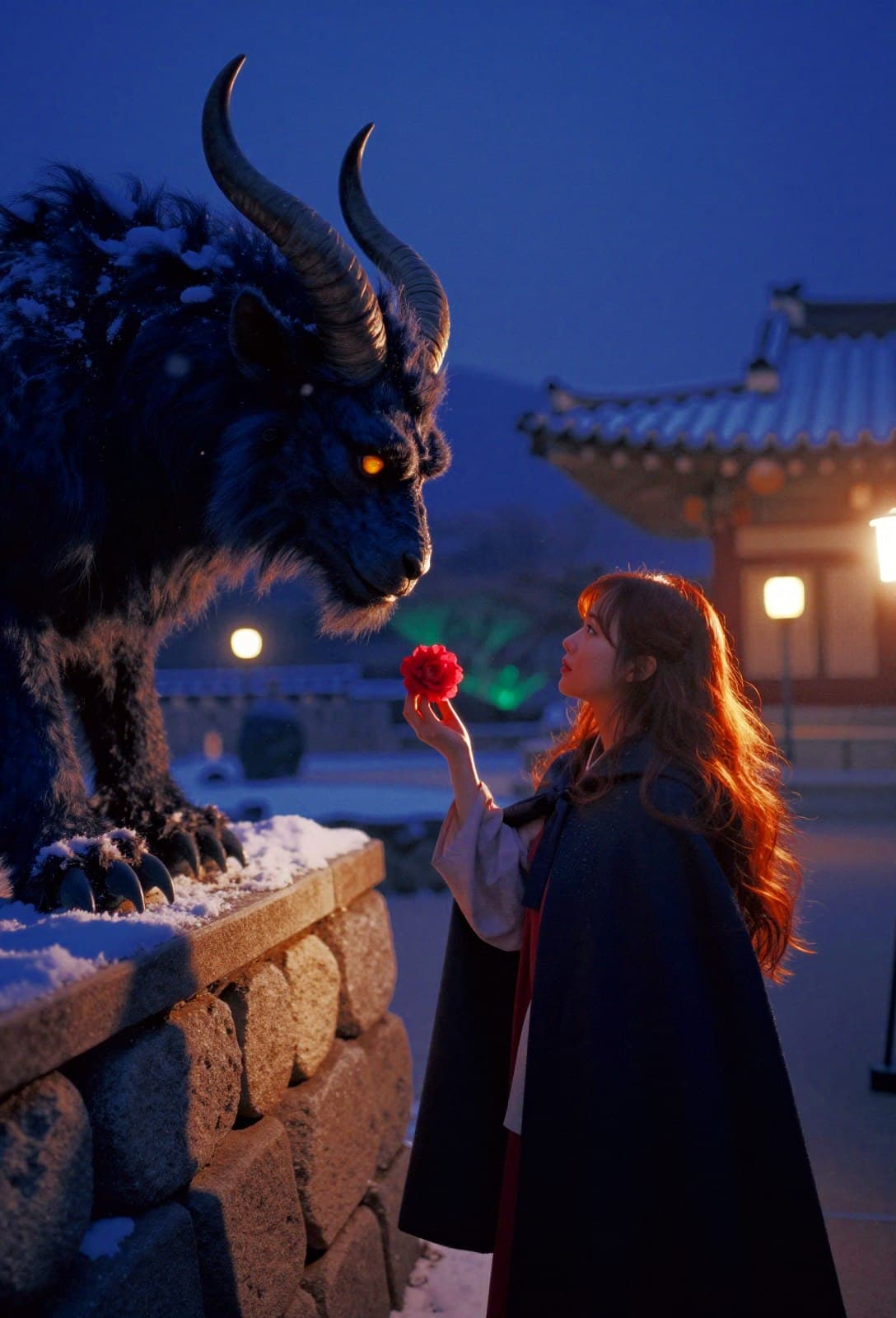
Snow lies on the tiled palace wall. A woman holds out a red flower to a horned creature. On the same computer, a change of prompt and style produced a figure with a CRT for a head beside a river, an underground arcade, and a warrior in a pine forest. The late-night food stall was less convincing: its menu looked like Hangul at a glance but could not be read. Those images belong in the same account of what Z-Image Turbo can do.
This was not a ranking of image models or a timed benchmark. I took a public ComfyUI workflow, connected it to local model files, and submitted ten distinct Korean-set scenes. All ten jobs completed. The images are generated scenes, not photographs of actual places, events, or people.
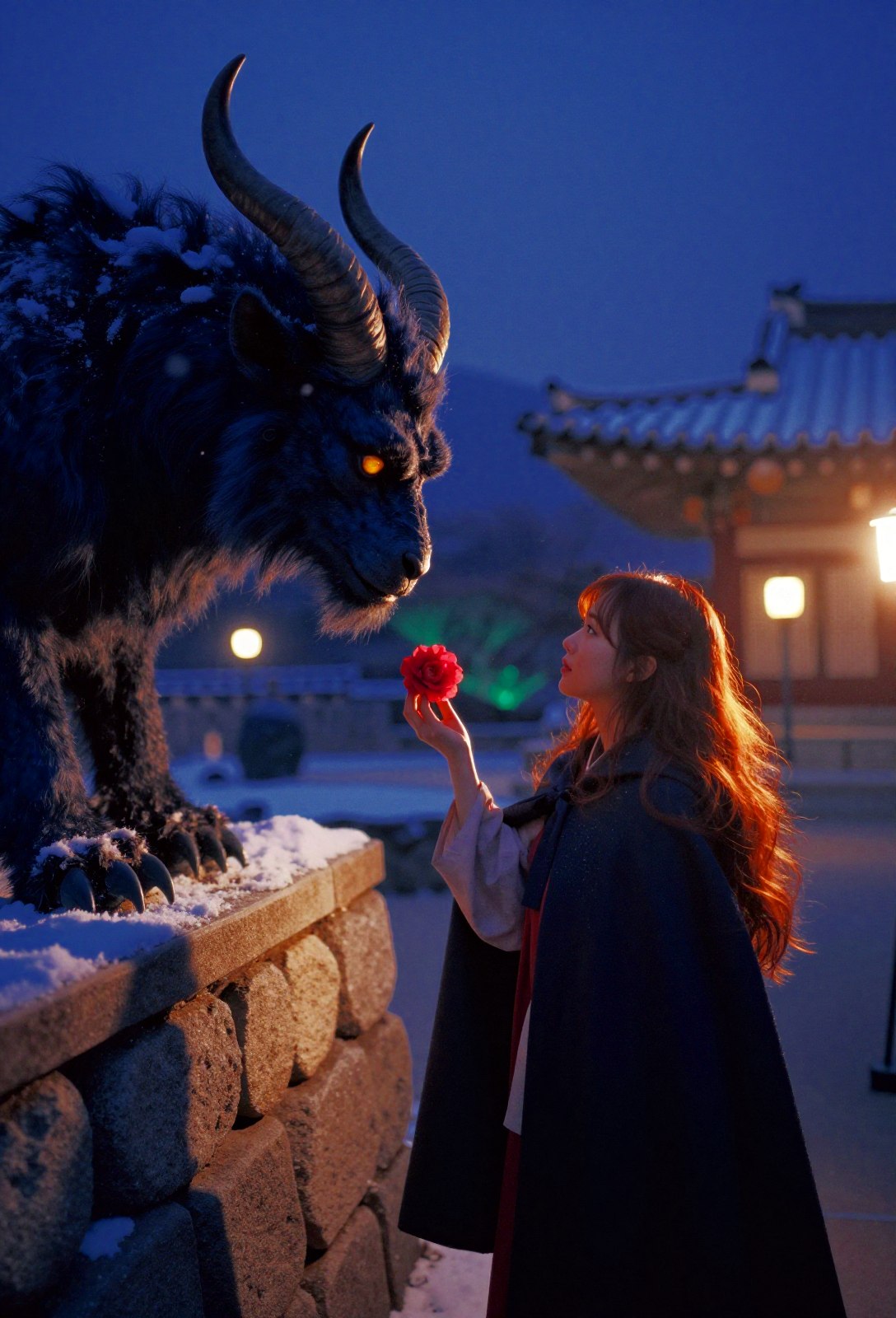 A fantasy scene beside a snow-covered Korean-style palace wall, generated locally with Z-Image TurboView original
What made the setup useful
Tongyi-MAI describes Z-Image as a 6B-parameter image-model family. Its Turbo variant is designed for eight inference steps, or NFEs, and the official material discusses use on consumer GPUs with 16GB of VRAM. That does not promise the same runtime or output quality on every machine. My narrower finding is that this particular workflow completed ten portrait images on an RTX 5070 Ti with 16GB.
Once the graph was loaded, I did not rebuild it for every scene. I changed the prompt, the style preset, and the seed, then generated separate 1088×1600 PNGs. Keeping the graph fixed made the inputs easier to trace. Local execution also meant there was no need to send these images to a hosted image-generation service, although model downloads, node installation, and GPU-memory management remained my responsibility.
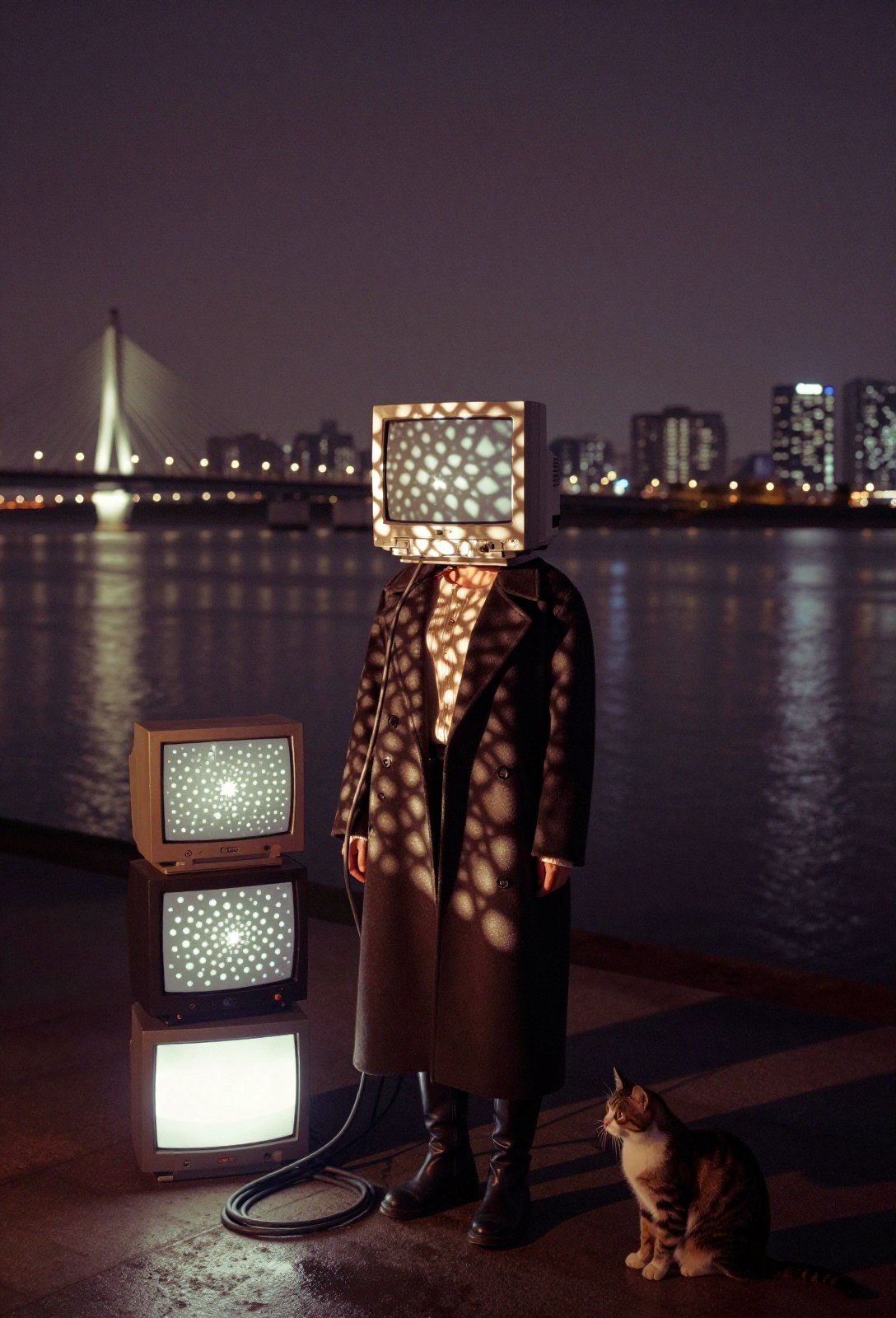 A CRT-headed figure, screens, and a cat beside a river at night, from the same workflowView original
The files and settings actually used
Scroll horizontally to view a wide table.
| Component | This run |
|---|---|
| GPU | NVIDIA RTX 5070 Ti, 16GB VRAM |
| ComfyUI | 0.37.0 |
| Custom nodes | Z-Image Power Nodes 2.1.1 |
| Diffusion model | z_image_turbo_bf16.safetensors |
| Text encoder | qwen_3_4b_fp8_mixed.safetensors |
| VAE | ae.safetensors |
| Generation | 8 steps, 1088×1600 portrait |
| Output | Ten PNGs from separate prompts, style choices, and seeds; all jobs succeeded |
For a standard ComfyUI layout, place the diffusion checkpoint under ComfyUI/models/diffusion_models/, the encoder under ComfyUI/models/text_encoders/, and the VAE under ComfyUI/models/vae/. If your installation uses extra model paths, follow that configuration instead. If a file does not appear in a node's selector, check its directory and restart ComfyUI before changing the workflow.
A reproducible path through ComfyUI
- Get the model files. Use the Comfy-Org distribution page to verify the diffusion model, text encoder, and VAE. The table above names the exact files selected in this run. A different checkpoint or precision is a different setup, not an identical reproduction.
- Install the custom nodes. Install
Z-Image Power Nodesand restart ComfyUI. This test used version 2.1.1. The project's repository documents installation and node behavior. - Load the reference graph. I imported Martin Rizzo's
Z-Image Total Fun / Analog.1workflow into ComfyUI. I used its node arrangement as a starting point, not the creator's example photographs. If nodes appear missing, resolve the Power Nodes installation and version first. - Select local files and output settings. Check every diffusion-model, encoder, and VAE selection in the graph against the filenames above. I used eight steps at 1088×1600. A workflow can refer to a model in more than one place, so do not assume changing one dropdown updates all of them.
- Run one scene at a time. I varied subjects, setting, lighting, style preset, and seed. The ten images were ten separate jobs, not ten outputs of one click. Save both the resulting PNGs and the workflow JSON if you want to revisit the exact setup.
- Inspect at full size. Readable signage, finger counts, accidental logo-like marks, and the requested number of people can fail in ways that disappear in a small preview. Adding accurate typography later is a separate editing step; it does not mean the model rendered the original sign correctly.
Here is the actual English prompt used for the snowy palace-garden image. The style preset was 80s Dark Fantasy Photo. The prompt is reproduced as used, not rewritten after generation.
In falling snow near the stone walls of a Korean palace garden, a large dark-blue mythical beast with curling horns leans toward an adult Korean woman with flowing auburn hair and a dark winter cloak. She quietly offers it one vivid red camellia flower. The beast has a luminous amber eye and textured fur. Deep blue night, scattered warm lantern light, snowflakes and distant tiled palace roofs, intimate fairytale tension, no text bubble.
Where the ten images held up, and where they did not
The snow-covered palace scene, the nighttime river, a retro-futurist arcade, and a pine-forest fantasy scene showed useful range within one graph. Images with little or no signage were easier to present at full size. That observation concerns these ten outputs. It does not establish that Turbo beats another model across prompts or hardware.
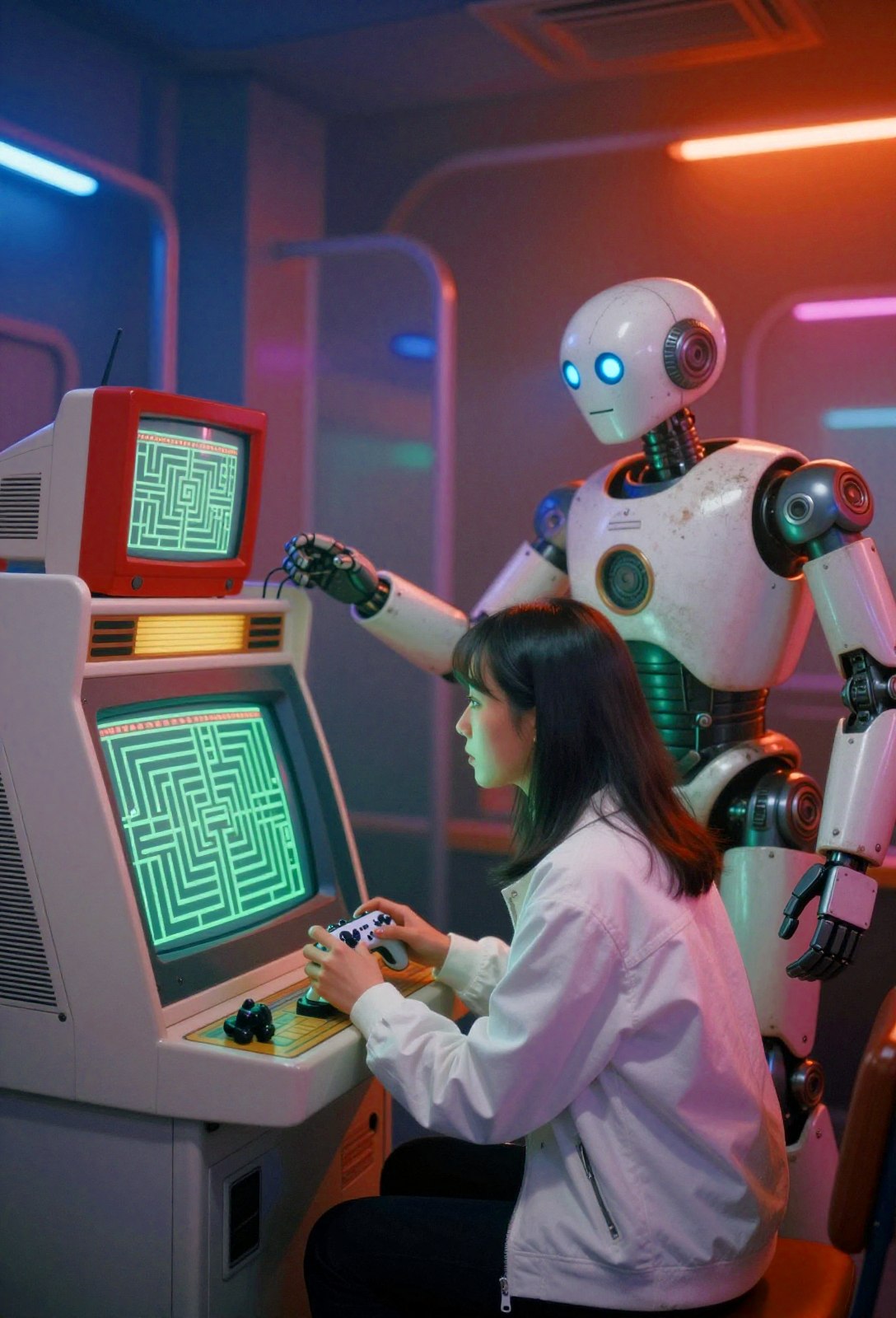 A woman and robot in a retro-futurist arcade; composition rather than lettering carries the sceneView original
The failures are just as concrete. The stall menu and bottle labels were pseudo-Hangul; signs in two other images had similar problems. A pilot's sleeve acquired a mark resembling a familiar camera-brand logo despite a no logos instruction. The taxi selfie asked for five friends, but only four were clearly visible, and a raised peace-sign hand was awkward. Small details are not guaranteed simply because the prompt names them.
Official text-rendering claims discuss English and Chinese, not Korean. It would be misleading to turn those claims into a promise about Korean signage. If exact Hangul, a product label, or an event title matters, generate the scene, inspect it, and add verified typography in a separate editing step. Do not present a generated museum, taxi, or street scene as a documentary photograph.
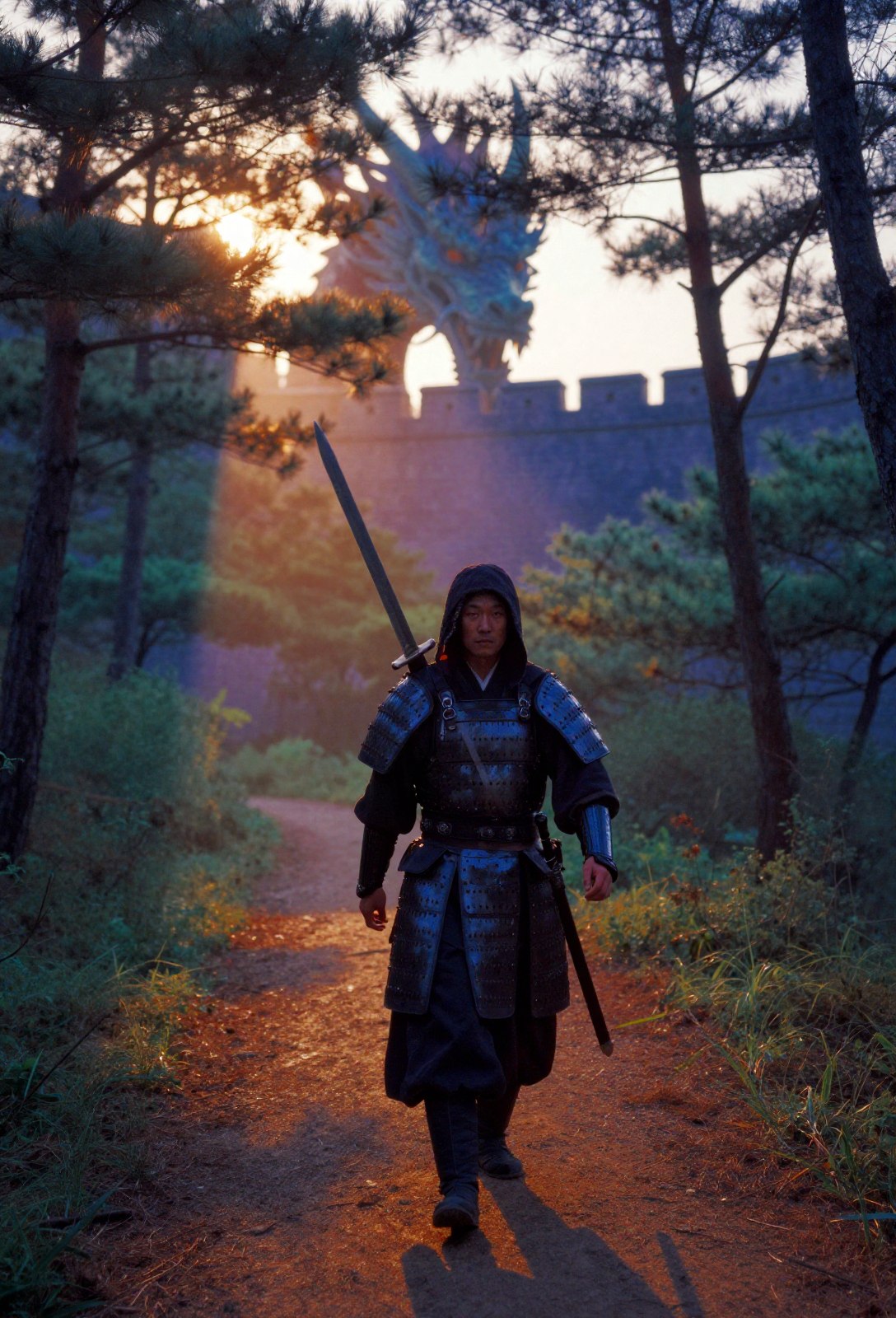 A fantasy warrior on a pine-forest path; no sign has to carry factual textView original
When I would choose it
For someone with a 16GB-class GPU who is comfortable managing ComfyUI nodes and checkpoints, this is a practical starting point for iterating on scenes while keeping the graph and file choices visible. By “quick” I mean the eight-step configuration used here, not a stopwatch comparison with other models. If a precise headcount, a hand gesture, or Korean text is central to the image, budget time for selection, editing, and a full-resolution check.
Production note: All ten images were generated locally in ComfyUI with Z-Image Turbo. Aside helped structure and check this article. The node graph was adapted from Martin Rizzo's Analog.1 workflow; its reference photographs were not reused.