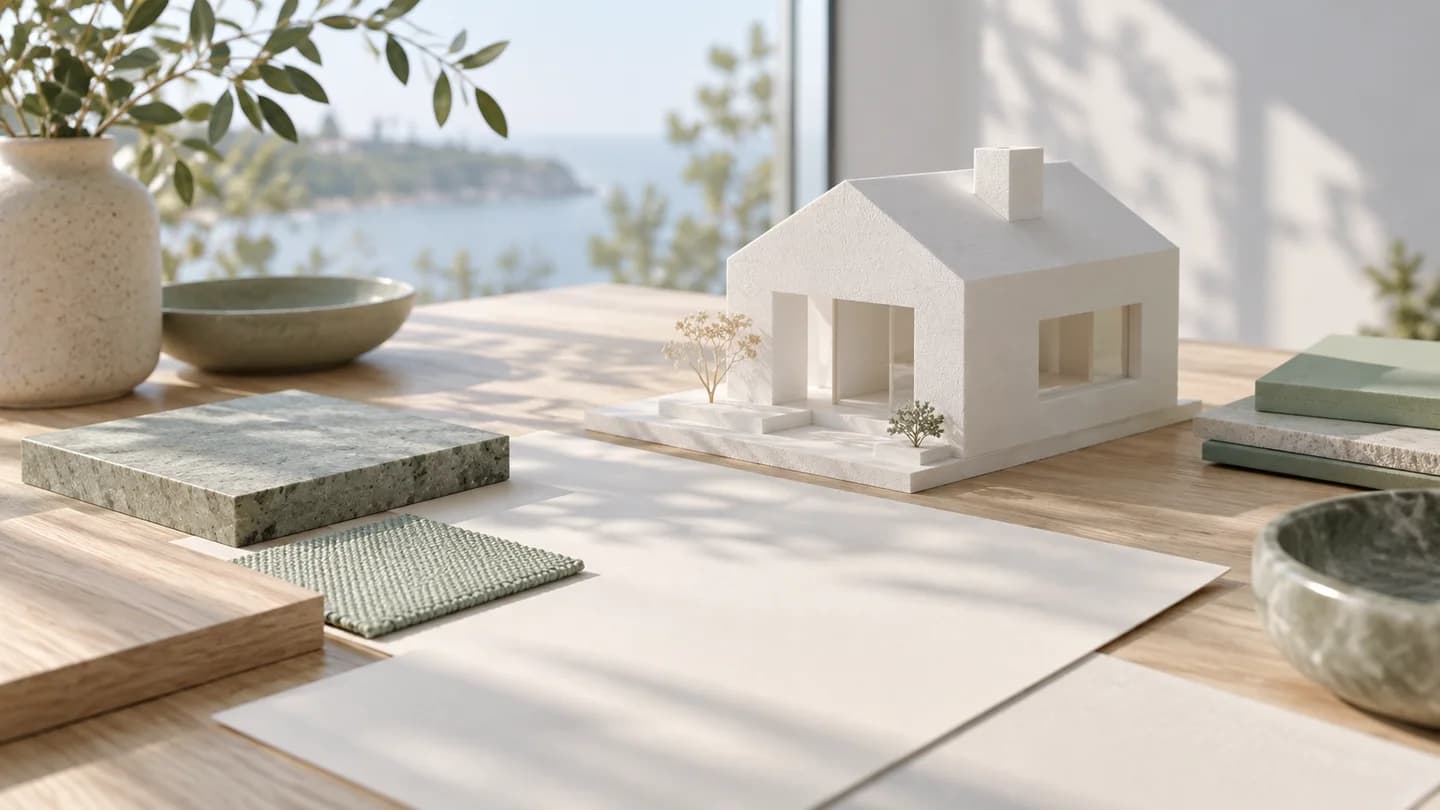
This is a republication of Reedo’s Naver article. It is not a new experiment or a DMS client case study. The cover and in-article photographs are AI-generated staged scenes, not evidence of actual work.
If you ask AI to build a website and get only neat text and a background, what is missing? Starting with that kind of first draft, this video shows the process of creating a practice 3D website where the camera moves into a house as you scroll.
The house and Oreum Architecture Office shown on screen are fictional, not an actual building or company. Rather than just copying the finished screen, it is easier to apply the approach to your own project by looking at how planning, rules, scene creation, design, and checking were split into stages.
The key to a 3D website is to validate scene creation separately from matching the scrolling and text.
AI-generated staged image, not an actual work screen.
Why Was a One-Line Request Not Enough?
The initial request gave only the direction of a website for an architecture office designing luxury homes. The result was a familiar text-focused layout on a cream background, and the presenter explains that it also included achievements and company-history text invented by the AI. On a real company website, attractive wording like this could become false information.
Next, rather than immediately changing files, the process starts with a plan. The route from outside into the house and on to the terrace is divided into sections, and the problems with the current draft are written down alongside the desired outcome. Instead of asking for a more impressive screen, this defines what should appear and where.
The rules file states that the office is fictional, that facts such as awards or prices must not be invented, and that inquiries must not actually be sent. Setting project prohibitions and factual boundaries first helps keep the premise consistent even as the draft changes. For a real service, it is advisable to supply verified company information separately.
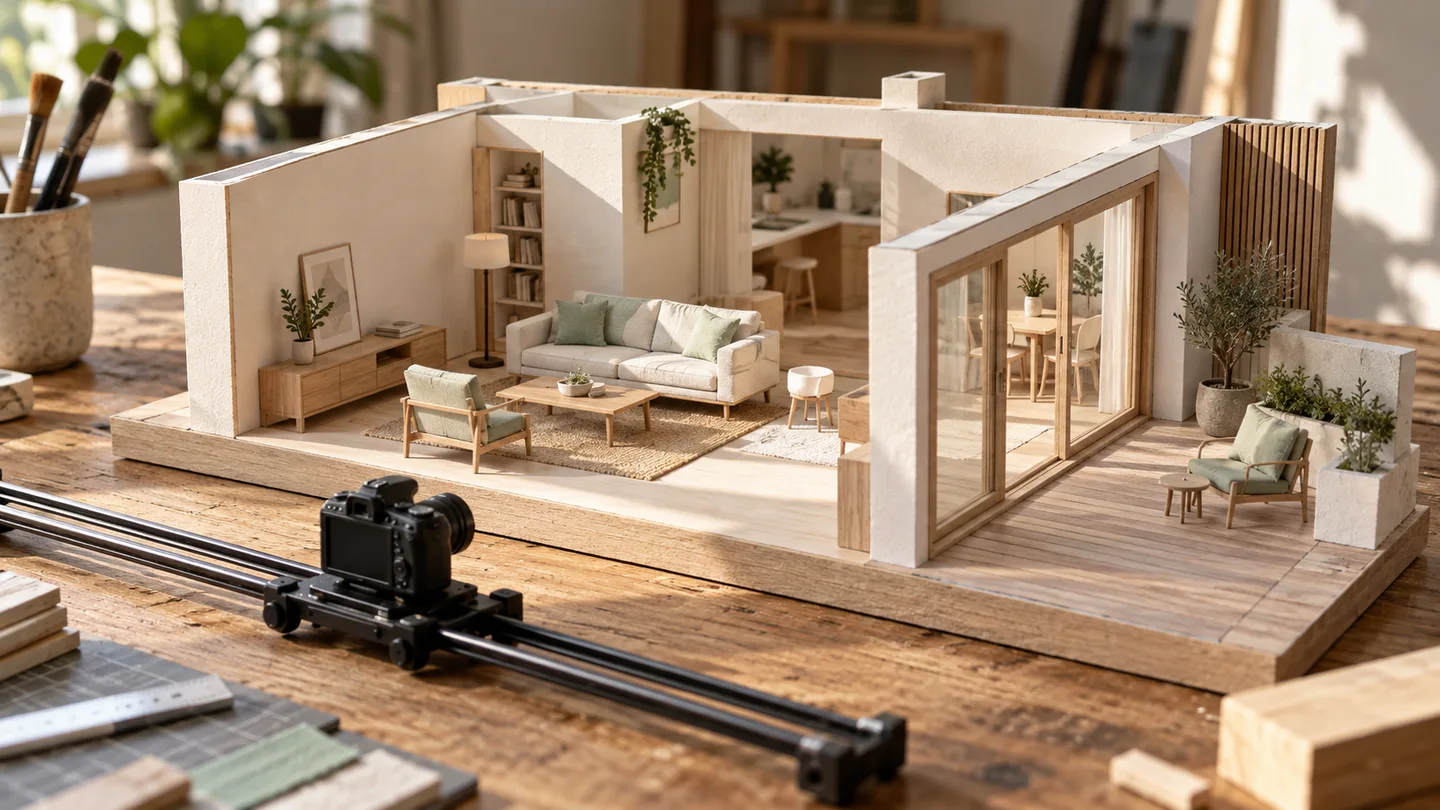 AI-generated staged scene 2View original
AI-generated staged image, not an actual work screen.
How Was the Moving House Created?
The movement in this example comes from rapidly switching between images according to the scroll position. It should be distinguished from real-time 3D in which visitors can move freely around a house. The video introduces a plan to cycle through a total of 192 images and shows that, at the stage when only the screen structure had been built, there were no scenes to fill it yet.
The scenes are made in Blender. The type of house and the camera route are described, and Claude Code is tasked with using a script to set up the house, lighting, and camera. The video also shows a cycle of rendering, checking, and revising because the city lights and hills in the first result looked unnatural. This should not be read as a finished result from a single request.
A useful principle to follow here is to check the camera route with a small scene first. Rather than generating many images from the outset, I recommend checking whether the compositions at the beginning, middle, and end connect properly. Processing times can vary by computer, so it is safer not to assume the rendering times shown in the video will apply to your own setup.
 AI-generated staged scene 3View original
AI-generated staged image, not an actual work screen.
What Should Be Checked After Completion?
The design document sets out standards such as colors, fonts, and spacing. In the video, a mismatch is found where living-room text appears during a kitchen scene, and adjustments are made by locating where the sections change in the actual images. This illustrates that movement on screen does not automatically make the content accurate.
The video also covers a stage where the AI could not directly inspect the screen because it lacked permission to view the browser. A person ultimately opened the site and aligned the text with the scenes. The presenter explains that an issue where the old design kept appearing after deployment was related to caching and was resolved by adding version markers to file URLs so that the files would be recognized as new.
Even the final result retains limitations in the appearance of flames and trees viewed up close. The inquiry form is for practice and does not send anything anywhere. A real site would require separate checks for mobile readability, alignment between scenes and descriptions, and the handling of entered information. This fictional demo must not be mistaken for actual architectural work or an operating consultation service.
Watch the Video to See the Actual Process
The starting point is not a single impressive prompt, but the order in which the work is divided. Establish a plan and rules, create the scenes, adjust the design, and then have a person check the actual screen. This video is a production example using a fictional house for practice, not a guide that guarantees tool usage terms or the time the work will take on your equipment.