What to Put After “Cinematic” in an AI Video Prompt
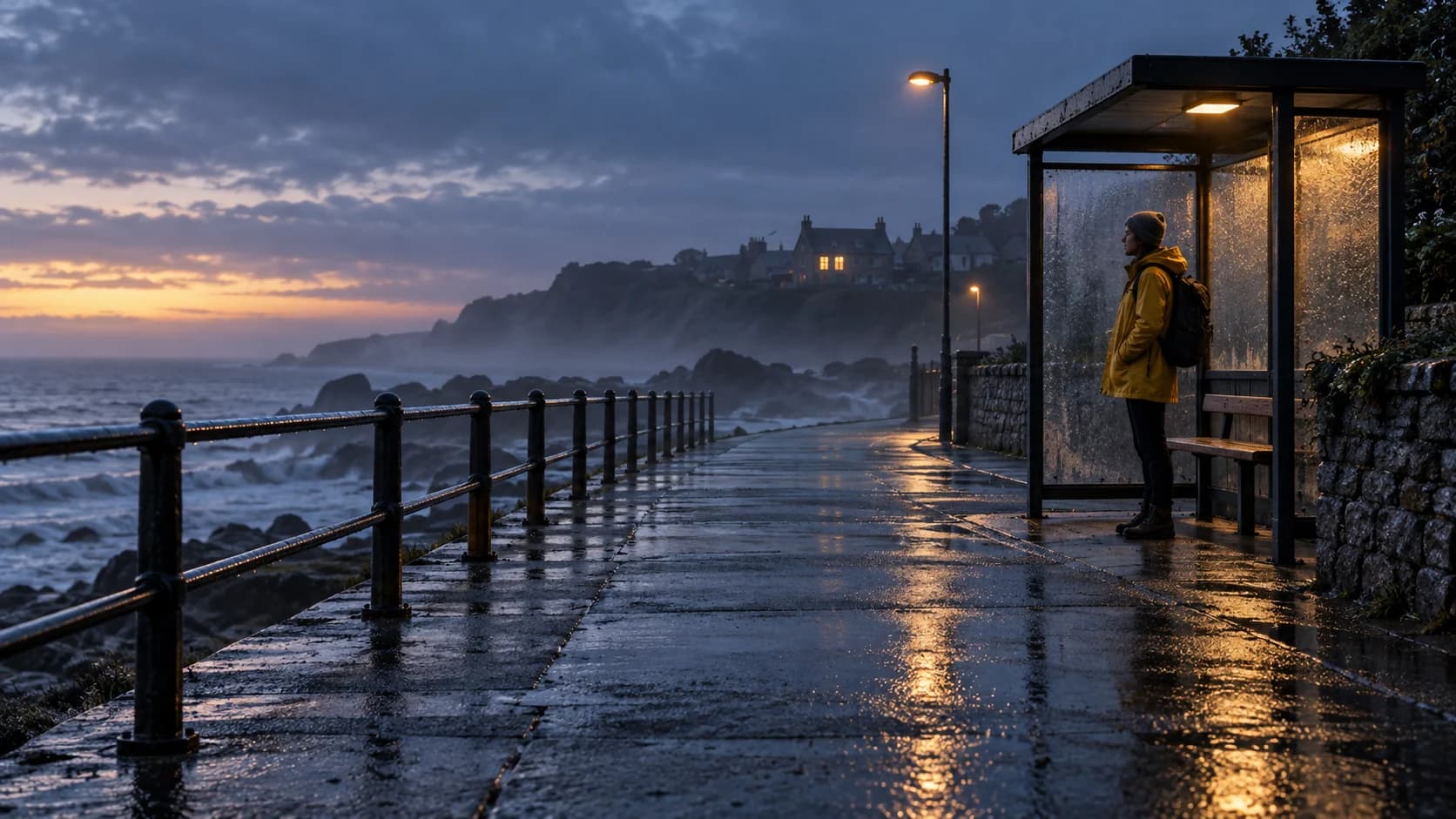
A person in a yellow raincoat waits at a seaside bus stop. Frame them close and the wait belongs to the person. Leave them small on the right, with the wet road running away across the frame, and viewers meet the place before they read a face. Either shot might look cinematic. The adjective doesn't tell a video model which one you need.
In his Medium article, Serhii Kerkez reports a deliberately small Kling 3.0 test. He made three ten-second clips from a vague train-platform prompt and three from a directed version, holding 16:9, 1080p, audio off, no negative prompt, and no references constant. Against ten shot decisions declared before generation, the directed runs scored about 7, 8, and 9 out of 10. One of the vague runs was arguably the most dramatic. The comparison supports a narrower point than “specific prompts look better”: direction made the requested choices more likely to appear. Six author-reported clips are not a general model benchmark.
The distinction matters when footage must join an edit. An unexpected camera move may be delightful while exploring, then useless when the next shot requires the subject on the other side of the frame. The four scenes below are original prompt-writing examples, not additional Kling tests. Their accompanying images are generated still illustrations, not frames from the described video outputs.
The seaside stop: choose whose wait this is
A close view could make a glance toward the road the event. A wide, locked view could let a distant bus enter first while the person barely moves. That changes the order in which the viewer learns the scene. Here is a wide version you can copy and adapt:
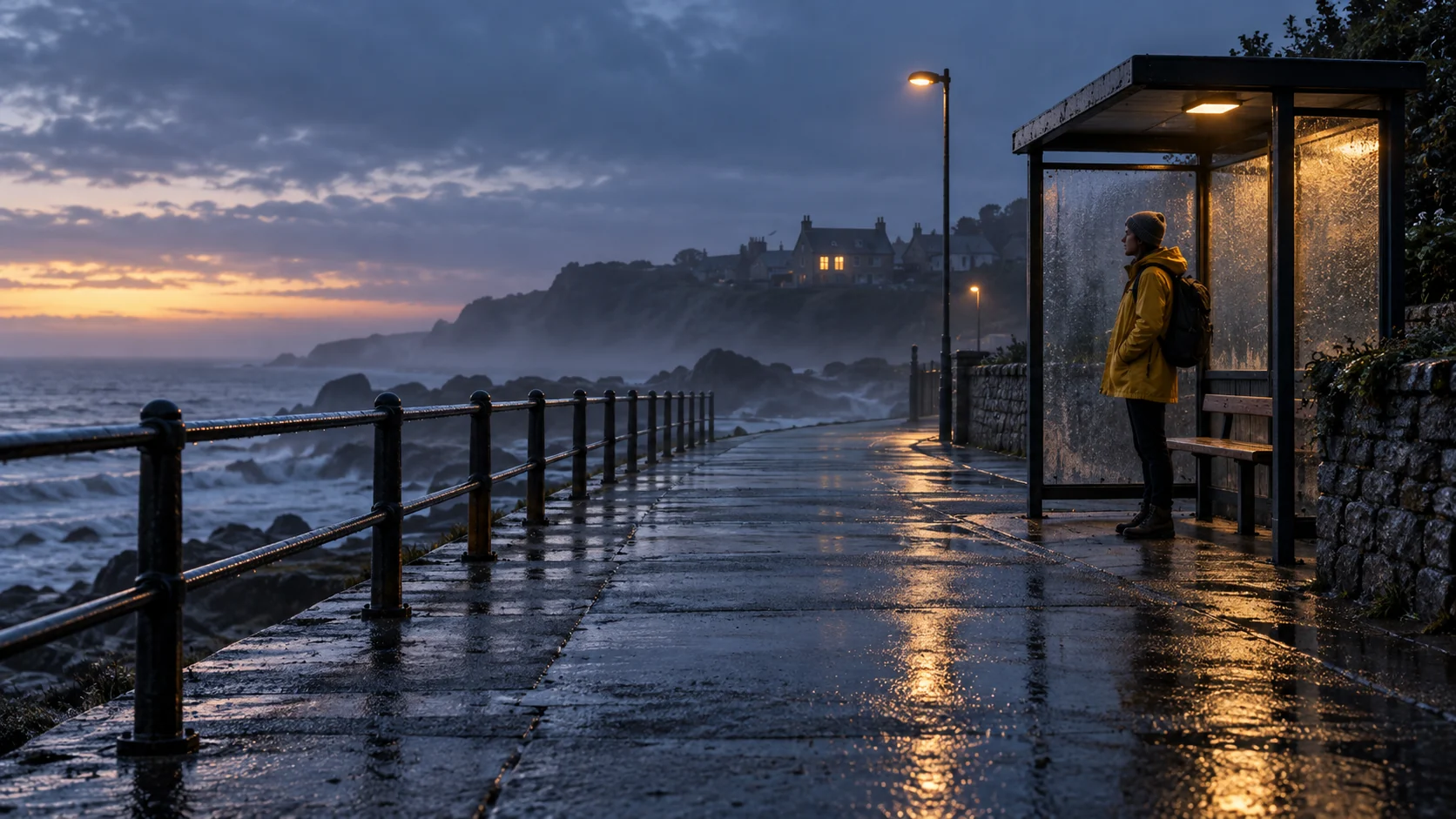 Generated still illustrating framing at a seaside bus stopView original
Eye-level wide shot of a seaside bus stop just after rain. A person in a yellow raincoat stands small in the right third of the frame. Keep the camera locked. A wet railing leads from the foreground toward the coastal road; a distant bus briefly enters at the far left. The person turns their head slightly toward it but does not walk. Overcast daylight, restrained contrast, cool reflections on the pavement. One continuous shot.
The useful constraints are not the atmospheric words. Subject size and position preserve room for the road; the locked camera keeps the bus's entrance legible; one small head turn gives the clip a beat without inventing a walk. If the model centers the person or moves the camera, you know which decision it failed to follow. If your goal is to discover an unexpected composition instead, omit those constraints on purpose.
The blue bottle: specify the light you can inspect
“Dramatic product lighting” can describe a sharp rim, a soft window, or a near silhouette. Each treats the same blue perfume bottle differently. A hard source behind its left edge can outline the glass and cast a long shadow. Broad, cloudy window light from the right would lower contrast and make the surface gentler. Neither setup is universally more cinematic; choose according to whether the shape or the quiet color is doing the work.
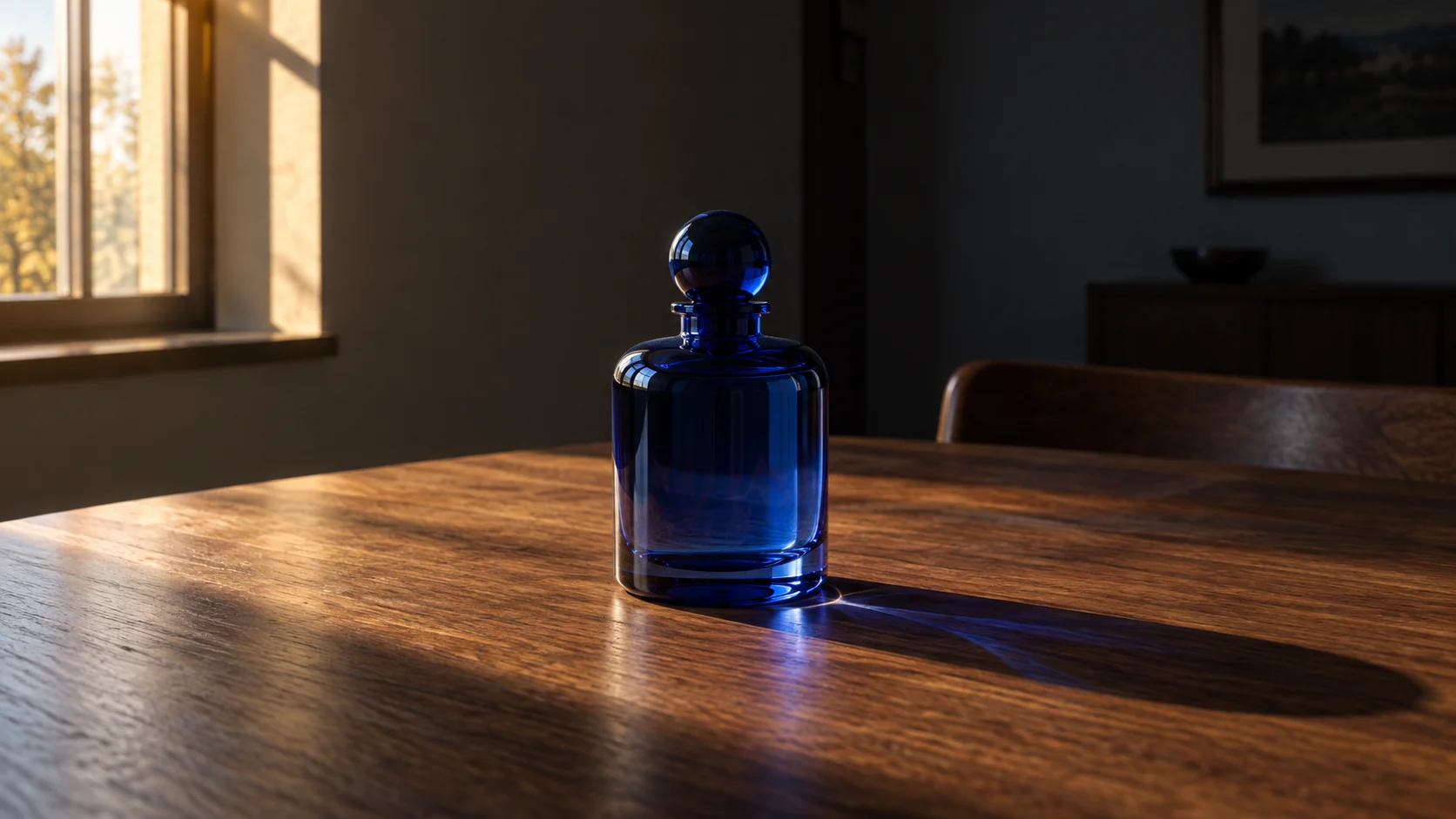 Generated still for a blue perfume bottle lighting exampleView original
Locked medium product shot. One blue glass perfume bottle stands on a plain dark-gray surface. A small warm source behind frame left lights the bottle's left contour. A weak frontal fill makes the label just readable. Cast a long, defined shadow across the surface to frame right. Do not rotate the bottle or move the camera. Hold the light direction and exposure steady for six seconds.
Now the review is concrete: does the shadow point away from the named light, does the label stay intact, and did the bottle remain still? Writing down a lighting relationship doesn't mean the generator has a physically accurate lighting rig. The relationship gives you a way to detect a miss rather than accepting whatever “dramatic” happened to produce.
The turntable: a camera move needs an endpoint
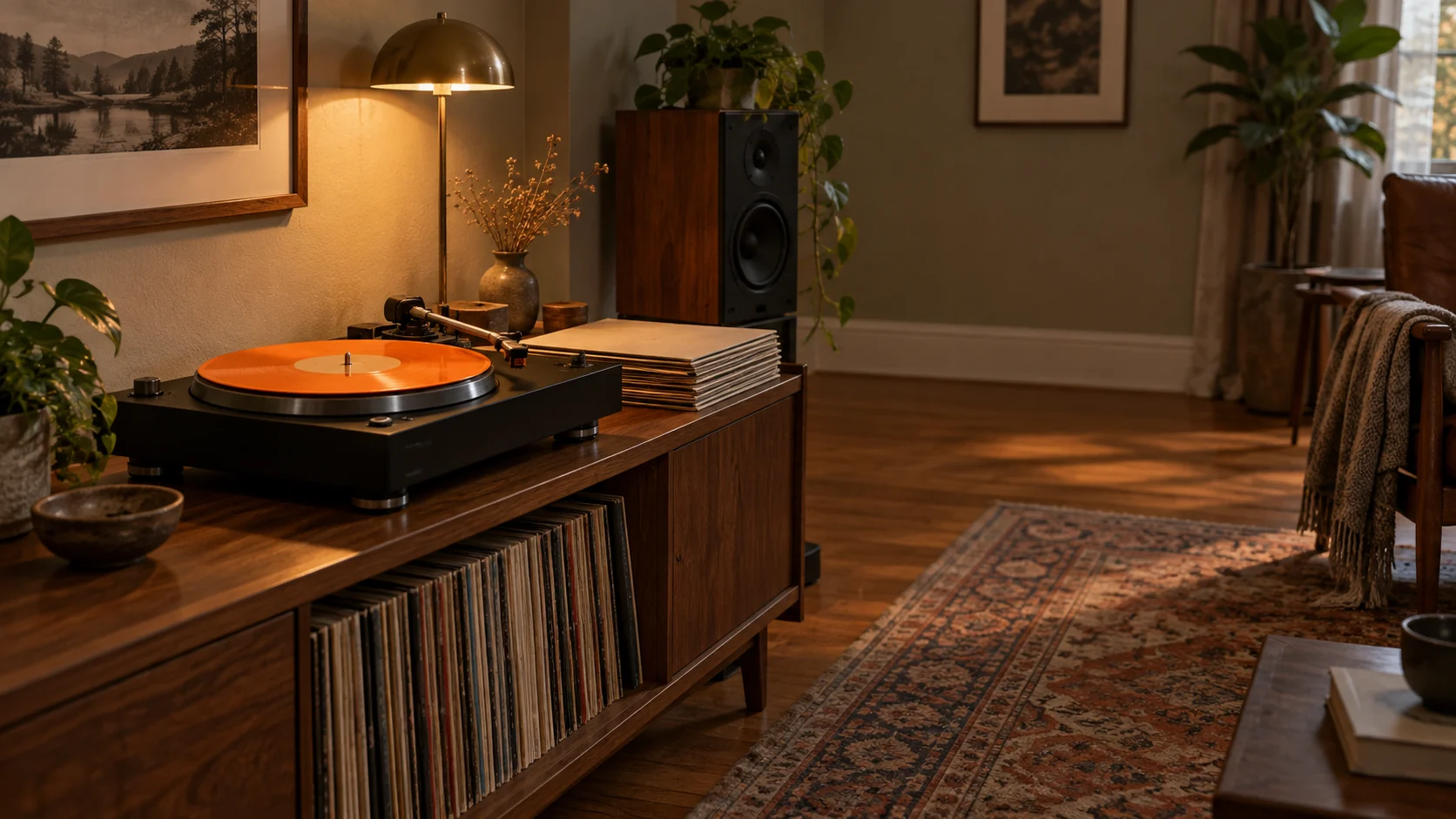
Imagine a spinning record on a turntable. “Move cinematically around it” leaves the model to choose the path, duration, and stopping place. A full circle feels like a product survey; a modest arc from front-left to profile reveals depth without leaving the object behind. For a clip meant to cut into a sequence, the endpoint is as important as the start.
 Generated still illustrating the turntable camera-arc exampleView original
Begin in a medium shot just below eye level at the turntable's front-left. The record spins steadily while the tonearm stays in place. Over six seconds, move the camera in a smooth arc of approximately 90 degrees to the turntable's right-side profile. Keep the turntable centered throughout. Maintain an even travel speed. No zoom and no cut. Soft window light remains on the same side of the scene.
There are two separate motions to check: the record's rotation and the camera's travel. A result can get one right and scramble the other. The 90-degree figure expresses the desired route, not a promise of mechanical precision from the model. If the arc repeatedly misses, a shorter movement or separately prepared start and end frames may be more practical than adding a page of camera hardware names.
The apartment still: describe what happens next
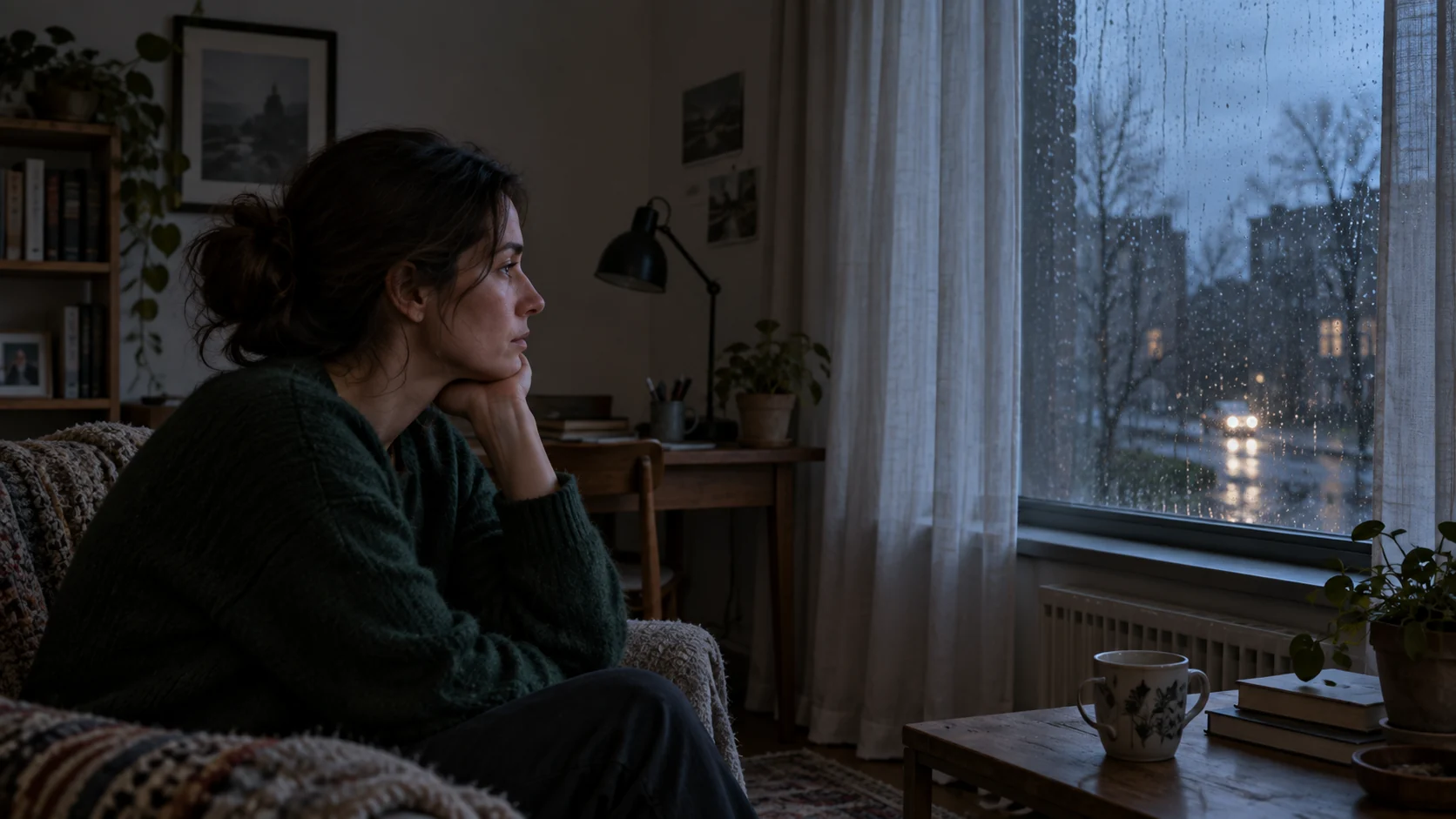
Text-to-video often needs the opening image described. Image-to-video changes that division of labor. If your first frame already shows an apartment, a person at the window, the wardrobe, and the light, repeating those details takes up prompt space without adding an event. The still answers “what is here?”; the motion instruction should answer “what changes, and when?”
 Generated apartment still used to illustrate an image-to-video start frameView original
Use the supplied apartment image as the first frame. Lock the camera. For the first two seconds, the person looks out the window. Over the next three seconds, they slowly turn their head toward the room. The curtain moves gently inward. A passing car's light crosses the back wall once, briefly, then disappears. No cut and no new person.
This is a motion plan, not a tested recipe. A passing light, hand movement, or exact head-turn timing can be harder to hold than a broad camera move, and the source image may not support every implied off-frame object. Kerkez's separate image-to-video comparison makes that limitation visible: directed prompts produced a clear push-in in both reported runs, but the weight shift and glance differed, while a requested single fluorescent flicker failed cleanly in both. His vague motion prompts produced two nearly locked clips. More direction improved control of the large movement, not every fine detail.
Decide what to keep open
A good prompt needn't answer every filmmaking question. For text-to-video, identify the few choices whose absence would make the shot unusable: frame size and placement, camera path and endpoint, a performance beat, the relevant light, or a foreground-to-background relationship. For image-to-video, let the start image carry its established design and spend the words on time. Add a broad style word if it helps communicate a mood, but don't expect it to resolve conflicting choices about framing or movement.
The bus-stop shot could still carry “cinematic” at the end. It would not change the reason for keeping the person small: the viewer needs to see the empty road before the wait becomes personal. Review the resulting video, not the elegance of its prompt. Check the endpoint, the glance, the label, and the shadow, because a model can follow the broad camera instruction while losing the small thing that made the shot useful.
Source and attribution: Serhii Kerkez, “I Stopped Using ‘Cinematic’ as My Entire AI Video Prompt”. The reported results above are his small Kling 3.0 test; none of the four original examples here has been validated by a video run.